
About this template
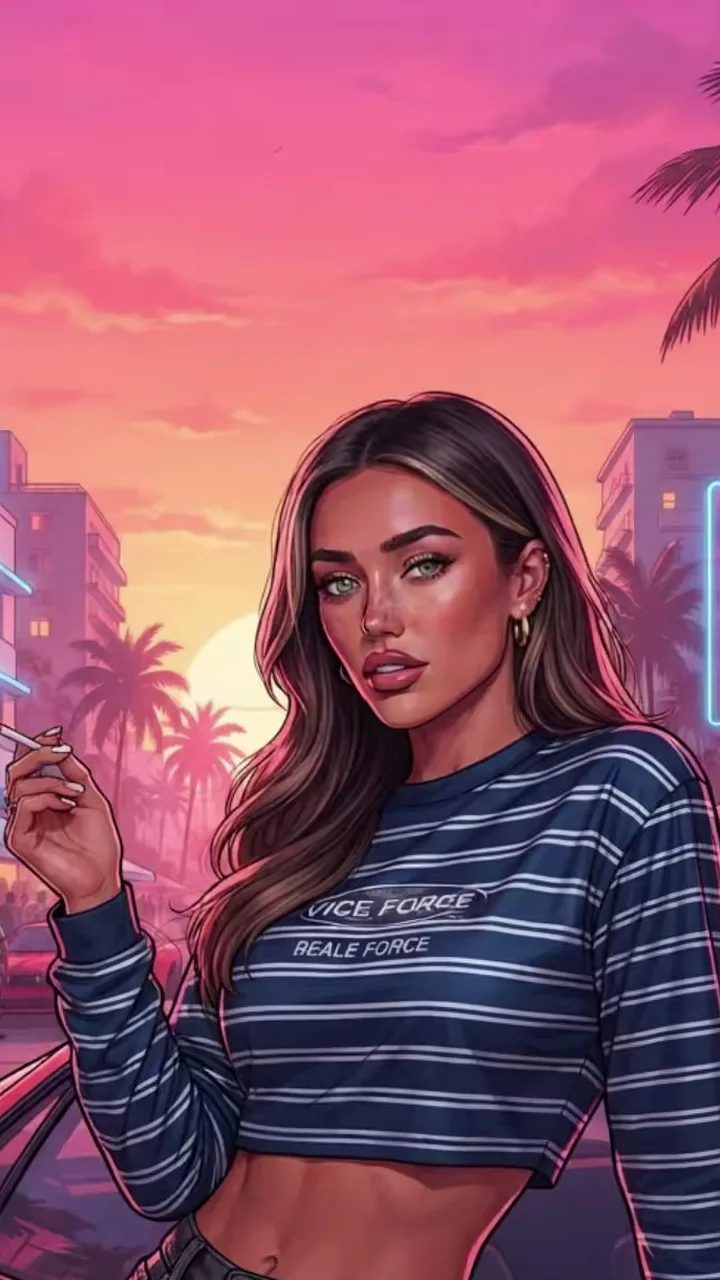
The car version is the most copied loading-screen pose: the character leans back on a low red sports car, one hand on the bonnet, with a neon boulevard and a sunset behind. Your photo sets the face, hair and outfit; the car, the street and the painted style are built in. The car is drawn without any make or badge. You get a painted poster image (PNG) drawn by GPT Image 2.5, OpenAI's image model, in about 1 to 2 minutes, and an 8-second reveal video that your browser builds right after: your photo, a diagonal wipe, then the poster, with the trend sound. The image model moves you from your photo's pose into the lean, so it changes your stance, not your clothes. Pick an outfit that looks good leaning: a jacket, a dress or a bright tee, rather than a long coat that hides your shape. A typical failure is a limb that bends oddly at the car edge or a hand that lands wrong on the bonnet. A photo showing your whole body, or a re-render, usually clears it.
Tips for the loading screen: red sports car
- Any standing photo works, but one that shows your legs and both hands helps the image model plan the lean without guessing.
- Bright outfits pop against the pink and orange sky. Dark clothes keep their colour but read as a silhouette against the car's red.
- For two people, upload one photo with both of you standing side by side; both lean on the car.
What is already set for you
- The subject: the person or people from your photo, leaning against a cherry-red sports car with no badges.
- The scene: a neon beach boulevard at sunset with palm trees and art-deco hotel signs.
- The timing: Goodbye templates run 15 seconds. Loading-screen templates give a poster image and an 8-second reveal clip. The videos have the trend sound mixed in.
You do not write any of this. How the built-in prompt works.
Other templates
- Goodbye on the Pier: the viral original: a sunset farewell with three game legends
- 2013 → 2026: Time Flies: you as a kid meeting them in 2013, then grown up and hugging goodbye
- The Last Drive: a convertible ride where the old crew passes by to wave goodbye
- GTA 6 Loading Screen: your photo repainted as a vice city loading-screen poster, plus a reveal clip